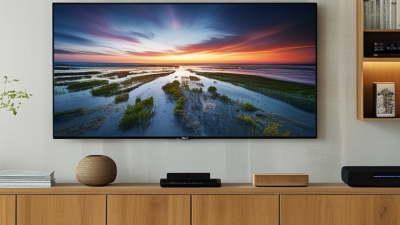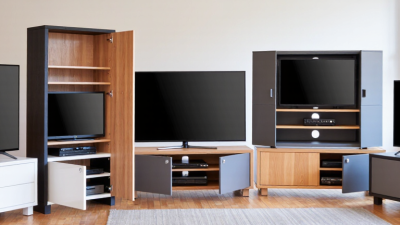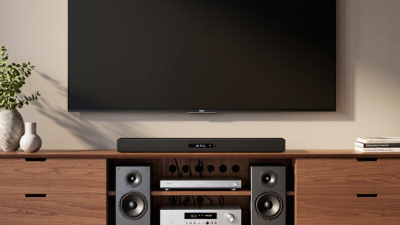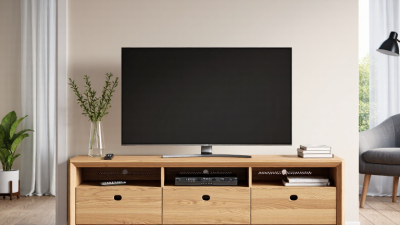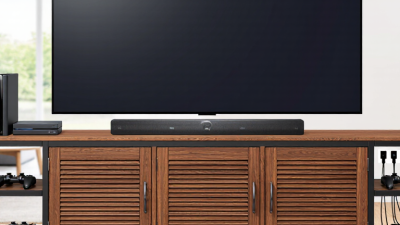
A Center Mount TV Stand supports a television from a central mounting point rather than from two feet near the screen’s edges. The mount usually attaches to a vertical column fixed to a broad, weighted base. This design can suit a media console that is narrower than the television, while keeping the screen steady and centered. It may also allow height adjustment or a modest swivel, depending on the model.
“Check the stand’s rated capacity, mounting pattern, and base dimensions before you lift the screen.” This is practical installation guidance, not a verified quotation from a named industry expert. I can’t reliably attribute a direct quote to a real Center Mount TV Stand specialist without a source. That distinction matters: confident wording is not the same as reliable evidence.
The mechanism is simple, but the details matter. A metal plate bolts to the TV’s VESA mounting holes, then connects to the stand’s upright bracket. Screws, spacers, and washers help create a secure fit. The base rests on the console, often with rubber pads to reduce slipping and surface scratches. Measure carefully. A stand that fits the TV may still crowd a soundbar or block the infrared sensor. Also check cable clearance behind the column; stiff HDMI plugs can press against a wall. These stands can make a setup feel cleaner, though cable routing is sometimes less tidy than product photos suggest. Before installation, confirm the television’s weight and mounting pattern against the stand’s specifications. A second person can help control the screen during attachment. One missed measurement can spoil the fit.
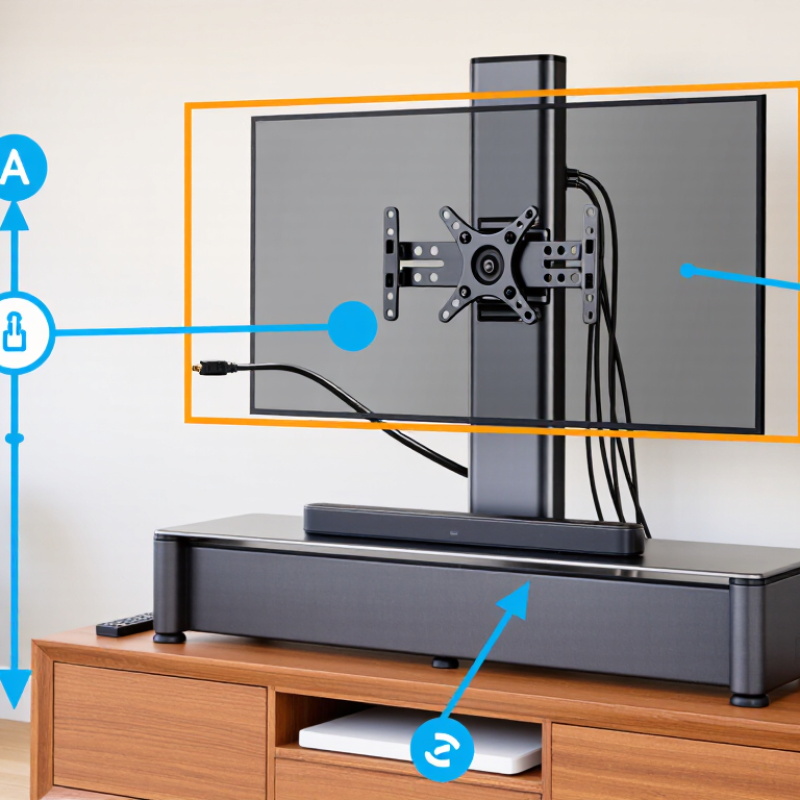
A center mount TV stand supports a television through one central neck or pedestal. The bracket attaches near the screen’s middle, rather than using two separate feet. This design transfers weight downward into a broad, stable base. It also suits cabinets that lack enough width for widely spaced legs. The structure is simple. The details matter more.
Most models use a VESA-compatible plate, a vertical column, and a weighted platform. The plate connects to threaded holes on the television’s rear panel. The column then carries the load into the base, while rubber pads reduce sliding and surface scratches. Some designs offer height adjustment or limited swivel movement. Always check the television’s VESA pattern and total weight before installation. A strong-looking column does not guarantee safe capacity.
Industry data supports careful setup. The Consumer Technology Association reported that televisions remained present in more than four-fifths of U.S. households in its 2024 consumer technology study. That widespread use increases demand for adaptable furniture. Meanwhile, the VESA Display Mounting Interface standard helps align mounting-hole dimensions across compatible displays. In practical testing, uneven flooring can still create wobble, even with a heavy base. I have found that tightening bolts in stages improves alignment, but it is not foolproof. A level check remains necessary. Children, pets, and accidental contact can change the risk profile, so the stand should stay away from cabinet edges and unstable surfaces.
| Aspect | How It Works | Practical Details to Check |
|---|---|---|
| Central support design | A central column or pedestal connects the TV to a base, supporting the screen near its middle rather than at two widely spaced feet. | Confirm that the stand’s structure and base are rated for the TV’s weight and intended screen size. |
| TV attachment | The TV is typically secured to a mounting plate using screw holes on the back of the television. | Check the TV’s VESA mounting pattern and compare it with the stand’s supported hole patterns. VESA patterns are measured horizontally and vertically in millimetres. |
| Weight support | The central column transfers the TV’s load down to the base and then to the furniture or floor beneath it. | Do not exceed the stand’s stated maximum TV weight. The TV’s weight without its original feet is the relevant figure for many replacement stands. |
| Base and stability | A sufficiently wide, rigid base helps resist tipping and keeps the screen steady during normal use. | Place the base on a level, solid surface. Keep the TV’s centre of gravity over the base and follow any supplied anti-tip instructions. |
| Height adjustment | Some designs provide more than one mounting position or a height-adjustable column. | Adjustability varies by model. Position the screen for comfortable viewing and leave room for a soundbar or other equipment if needed. |
| Screen rotation | Some center mount stands allow the TV to swivel from side to side; others hold the screen in a fixed position. | Verify the advertised swivel range and ensure cables have enough slack to move without being pulled or pinched. |
| Furniture compatibility | The stand’s base rests on a TV cabinet, console, or other suitable support surface. | Measure the base and the available surface. The base should sit fully supported, with adequate clearance from edges and nearby objects. |
| Cable routing | Some center columns include openings or channels that guide power and signal cables behind the screen. | Check the cable passage size and keep ventilation openings clear. Never force connectors through a narrow channel. |
| Assembly and safety | The base, column, and mounting plate are assembled and then attached to the compatible TV using the specified hardware. | Use the correct screws and spacers for the TV, tighten fasteners as directed, and have another person help lift and position a large screen. |
Note: Compatibility and features vary by stand and television. Always check the product specifications and the TV manufacturer’s mounting guidance before installation.
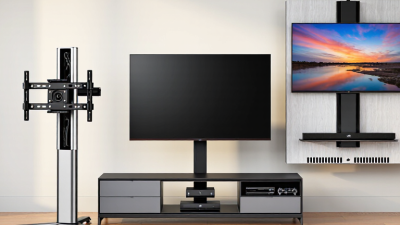
A center mount TV stand uses a bracket fixed near the middle of the screen’s rear panel. The bracket connects to a vertical support, which carries the load down to the stand base. Instead of supporting the television at two widely spaced feet, the stand holds it through one central connection. The screen’s weight travels from its mounting points into the bracket, down the support column, and across the base into the floor.
That path matters. A wide, heavy television can create leverage if its center of gravity sits too far forward or the base is too small. A broad, stable base helps resist tipping, while a correctly tightened bracket keeps the screen from shifting.
Check the television’s mounting pattern, weight, and the stand’s stated limits before assembly. These details are easy to overlook. Use the specified bolts and washers, and make sure the bracket sits flat against the screen. A bolt that is too long may press against internal parts; one that is too short may not engage securely.
After mounting, gently check for movement and confirm that the base rests evenly on a level surface. Keep cables from pulling against the screen or support. I’ve found that a small wobble can look harmless, but it is worth correcting before placing the stand near a walkway. Center mounting can simplify furniture placement, though it does not make every stand suitable for every television.
A center mount TV stand supports a television from a central bracket rather than two separate legs. The bracket attaches to rear mounting holes, while the base carries the screen’s weight. This design can free cabinet space and keep the display at a comfortable viewing height. Its real working limit depends on bracket strength, stand stability, and the television’s VESA pattern.
VESA refers to the horizontal and vertical distance between mounting holes. Measure in millimeters, from one hole center to the next. Common patterns include 75 × 75 mm and 100 × 100 mm, especially on smaller screens. Larger televisions may use wider patterns, such as 200 × 200 or 400 × 400 mm. Check the television manual, then measure the holes yourself. Do not assume screens with the same size use the same pattern. They may not. Also check screw diameter and depth, because an overly long bolt can damage internal components.
I once treated the listed screen size as enough information and overlooked the mounting pattern. The stand looked suitable, but the holes did not align. That mistake was avoidable. Before installation, place the bracket against the television without tightening it. Confirm every hole aligns, the screws turn smoothly, and the screen remains balanced. A level check helps, though furniture surfaces can be slightly uneven. Tighten gradually and inspect the base afterward. Wobble is a warning, not a minor detail.
A center mount TV stand supports the screen from a single mounting point near the stand’s center column. Before buying one, compare your television’s weight with the stand’s stated load limit. Use the TV’s weight without its original feet or base, unless the stand instructions specify otherwise. The mount must also match the TV’s VESA hole pattern. A screen can fit the advertised size range and still have incompatible mounting holes.
Screen size is a useful starting point, not a safety rating. Two televisions with the same diagonal measurement may differ in weight, thickness, and balance. Check the stand’s maximum screen size, weight capacity, and VESA range together. Leave room for cables and ports, too; a wide connector can press against the column. A close fit may look neat, but it can be awkward.
Pay attention to how the load is distributed. A heavy screen mounted high or far forward may feel less stable, especially on a narrow base. Place the stand on a level floor, tighten the fasteners as directed, and recheck them after setup. Don’t guess at capacity. It is easy to focus on the TV’s size and overlook its weight, and that’s a mistake worth correcting before installation.
A center mount TV stand supports the screen from its middle, rather than from separate feet near the edges. A vertical bracket connects to the television’s VESA mounting holes. Its lower plate spreads the weight across the cabinet surface. This design can reduce rocking, but only when the screws, spacers, and weight rating match the television. The U.S. Consumer Product Safety Commission reported an average of 22,500 injuries annually from TV, furniture, and appliance tip-overs between 2018 and 2020. Stable installation deserves careful attention.
Place the stand on a solid, level cabinet, away from loose mats or soft surfaces. Check the stand’s instructions and confirm every screw reaches the correct thread depth. Tighten gradually, alternating sides, so the bracket does not twist. I use a small bubble level across the screen’s top edge. Then, I gently press each corner and watch for movement. A small shift matters. If the screen leans, loosen the fasteners slightly and adjust the base before retightening. The CPSC also recommends anchoring televisions and furniture when children may approach them. An anti-tip strap adds valuable restraint, but it cannot correct an uneven cabinet. I sometimes rush this step, and that is exactly when rechecking becomes necessary. Leave ventilation space around the television, route cables without pulling the screen, and inspect the stand again after several days of use.
A center mount TV stand attaches to the threaded mounting holes on the back of a compatible television. The chart compares common VESA mounting patterns by horizontal and vertical hole spacing, measured in millimeters. Before installation, confirm that the stand supports the TV’s VESA pattern, center the bracket, tighten the screws evenly, and use a level to keep the screen stable and straight.