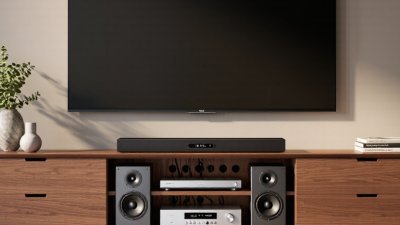
What Is a TV Stand with Closed Storage?
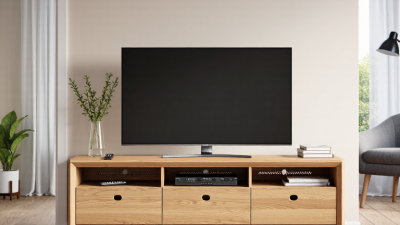
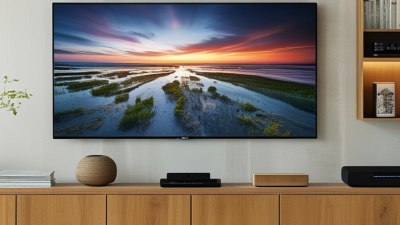
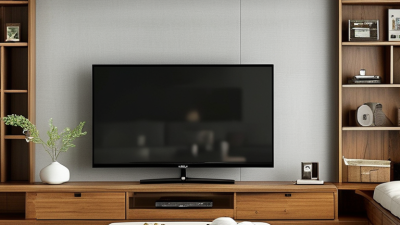
A TV stand with closed storage keeps media equipment and everyday items behind doors, drawers, or lift-up panels. Tv Stand Closed Storage is useful when you want a calmer-looking living room without removing practical essentials. A remote, game controller, or stack of cables can disappear from view in seconds. The television still has a stable surface, while the cabinet helps limit visible clutter.
The design varies. Some stands use adjustable shelves for consoles and streaming devices. Others include drawers for smaller items, with openings at the back for cables and ventilation. Those details matter: a device pushed into a sealed compartment may overheat, and a poorly placed opening can leave wires tangled. Measure your equipment before choosing a unit. Check the depth, door clearance, and shelf height, too.
Designer and craftsman William Morris offered a useful design principle: “Have nothing in your houses that you do not know to be useful, or believe to be beautiful.” His words were not about television furniture, but they suit the question of what belongs in a living room. A well-chosen stand can make useful objects less distracting. Yet closed doors can hide a jumble rather than fix it. That is worth considering. The best option depends on your devices, room size, and storage habits—not just its finish or style.
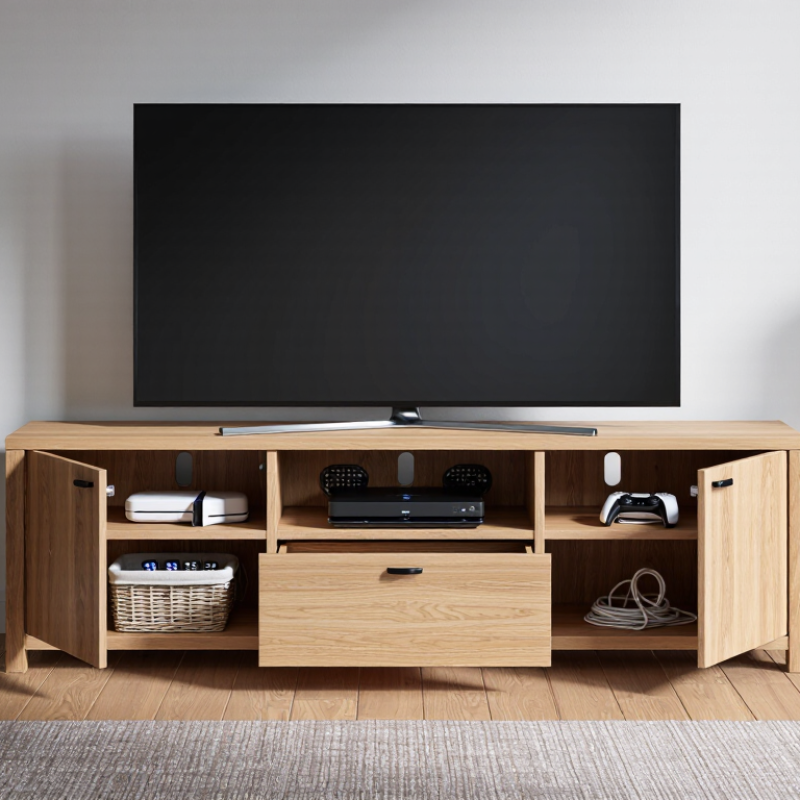
What Defines a TV Stand with Closed Storage?
What Is a TV Stand with Closed Storage?
What Defines a TV Stand with Closed Storage?
A TV stand with closed storage is a media unit with doors, drawers, or covered compartments. These features keep items such as remotes, game controllers, and cables out of sight. Unlike an open console, it conceals clutter while giving everyday essentials a designated place. Not just a shelf. The defining feature is enclosed space, not a particular shape or style.
Look at how the compartments work. Doors may hide larger devices, while drawers suit small accessories. Check the interior dimensions against your equipment, and leave room for cords to bend without being pinched. If electronics will sit behind doors, look for ventilation openings and follow the equipment maker’s guidance on airflow. Measure the wall and viewing area, too; a stand that looks compact online can feel bulky in a small room. That sounds obvious, but it is easy to overlook.
Tips: Before choosing a stand, check its listed weight capacity and measure your TV’s base. A little extra clearance can make placement easier. Closed storage hides mess, but it does not make dust or tangled cables disappear; plan to access the compartments now and then.
What Defines a TV Stand with Closed Storage?
A TV stand has closed storage when doors or drawers cover its compartments. Each uses a movable front panel to conceal items; open shelves have no front panel and leave their contents visible.
How Its Main Components Support a Television
A TV stand with closed storage combines a supporting surface with doors or drawers that hide everyday items. Its top panel carries the television, so check the stand’s stated weight limit and compare it with the TV’s weight. A broad, level surface helps keep the screen stable. The frame and base transfer that load to the floor; uneven legs can cause wobbling, even on a sturdy-looking stand. Small details matter.
The storage section supports a tidy viewing area, but it does not support the TV directly. Doors and shelves keep remotes, cables, and game controllers out of sight. A center divider or reinforced shelf can reduce sagging under heavier equipment. The back panel may include openings for cables, helping wires reach a wall outlet without being pinched. Measure the TV’s feet and the stand’s top before buying. Closed cabinets can also trap heat, so devices that produce warmth need adequate airflow. I have seen neat cabinets become awkward when cables were too short.
Tips: Place the stand on a level floor, secure it as directed, and leave space around devices that need ventilation. Keep heavy items on lower shelves. Check door clearance near walls.
What Items Can Be Kept Behind Closed Doors?
A TV stand with closed storage can hold the small items that gather around a screen. Keep remote controls, game controllers, headphones, and charging cables together in a shallow basket. That makes them easier to find and keeps loose cords from tangling. Printed manuals and spare batteries can fit in a labeled box nearby. Small things disappear.
Use larger compartments for board games, DVDs, or a few children’s toys, provided they fit without forcing the doors shut. A folded throw blanket can be handy for movie nights, while a soft cloth keeps fingerprints off the screen. Avoid storing damp items or open drinks inside; spills can damage wood finishes and electronics. Leave breathing room around consoles, routers, and other devices that produce heat. Closed doors hide clutter, but they can also trap warmth.
It is tempting to use every inch. That may make the cabinet harder to use. Keep frequently used items near the front, and place occasional-use accessories farther back. Check the shelves’ weight limits before storing heavy collections, and make sure cables can pass through any built-in openings without being pinched.
Common Designs, Materials, and Storage Features
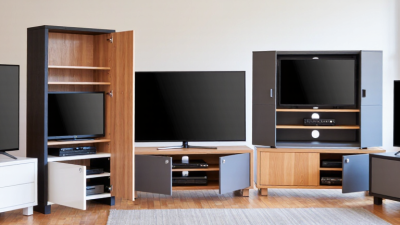
TV stands with closed storage come in several practical forms. A low cabinet with hinged doors suits a wide television and hides game consoles or spare cables. Sliding doors work well in narrow rooms because they do not swing into walkways. Some designs combine closed cupboards with open shelves for devices that need airflow. That balance matters.
Materials shape both appearance and daily use. Solid wood can feel sturdy, while engineered wood often keeps the cabinet lighter and more affordable. Metal frames add a sharper, modern look, but can feel cold beside soft furnishings. Check door hinges and drawer slides in person when possible. Smooth movement is a useful sign of solid construction, though it does not guarantee long-term durability.
Storage features vary more than they first appear. Adjustable shelves can fit a tall router or a stack of board games, while cable openings help keep cords from bunching behind the cabinet. Ventilation gaps are important for electronics that produce heat. Measure the television base, wall space, and device height before choosing a stand. A cupboard that looks spacious may still have an awkward interior. And doors can hide clutter. They cannot make it disappear.
How to Choose a Stand for Your Room and TV
A TV stand with closed storage hides consoles, cables, and remotes behind doors or drawers. To choose one, measure the room and the television, not just the screen size. A typical 65-inch, 16:9 TV is about 57 inches wide, but its feet may need a wider surface. Check the manufacturer’s dimensions before buying. Aim for a stand wider than the TV, with enough clearance for nearby doors and walkways. Measure twice. A snug fit can still feel awkward.
Think about viewing distance, sightline, and what needs storing. Sit where you usually watch and check that the screen’s center feels comfortable at eye level; don’t assume a taller stand is better. Nielsen’s The Gauge reported that streaming made up 38.8% of U.S. TV usage in May 2024, so many rooms now hold more than a television: a streaming device, game console, router, or sound equipment may need space too. Choose adjustable shelves and cable openings, and leave ventilation around warm electronics. Closed doors keep clutter out of sight, but they can block remote signals or trap heat. I’d check those details in the actual room, because product measurements never show every cable bend or outlet position.